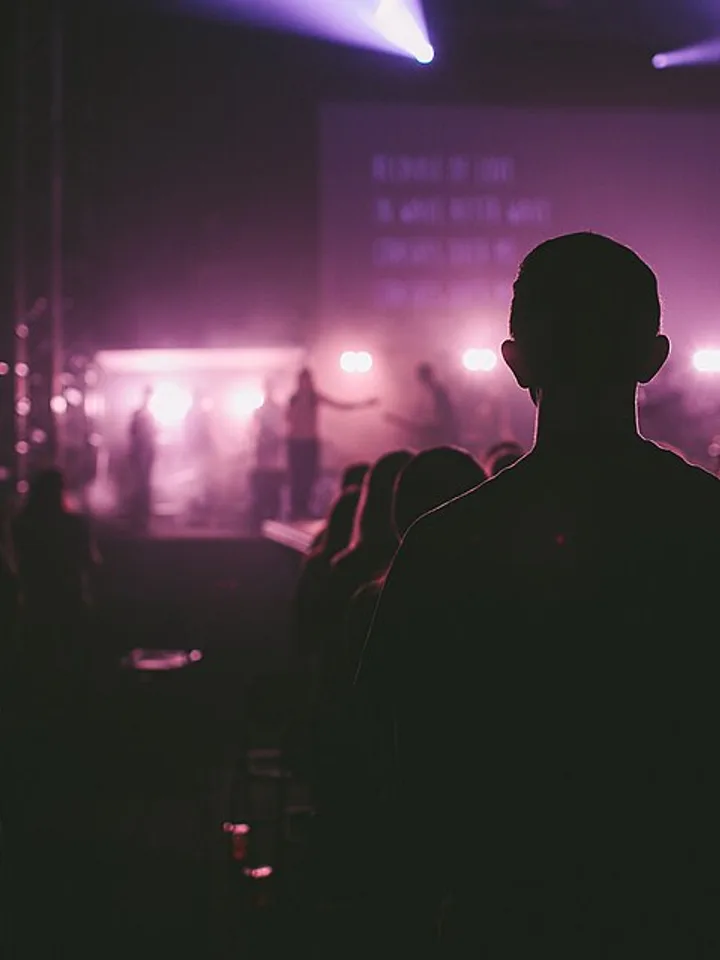
The same duet on a concert stage under pink and white spotlights.. A concert stage with a glossy black floor, pink and white spotlights and soft haze, an empty dark arena behind.
Updated Nov 2, 2026 · By the Jisoo Addicted AI team
Your duet
Make your jisoo addicted ai video
Three choices and one tap. The shot list, the timing and the prompt are already built.
Pink Spotlight Stage moves the duet to a concert stage with a glossy black floor, pink and white spotlights and a little haze, with an empty dark arena behind. You are dressed in black stage outfits with silver details. The stage is a newer look that has not been tested as widely as the hallway, so treat the first render as a draft and expect the lights and outfit details to differ from clip to clip.
Tips for the pink spotlight stage
Photos in dark or moody light can blend into the black stage; choose one with a lit face.
Skip hats and big accessories, which can get mixed up with the stage outfits.
Try a second render if the lighting looks flat. Results can differ between runs.
What is already set for you
The subject: the two of you in black stage outfits with silver details.
The scene: a concert stage with a glossy black floor, pink and white spotlights and soft haze, an empty dark arena behind.
The timing: Every look runs the same 15 seconds and the same six beats, so the wave finale always lands on the hook of the song.
Rooftop Neon Night: a city rooftop after dark, neon signs and skyline behind you.
Mirror Practice Room: a wooden-floor dance studio with a wall of mirrors, like a trainee video.
Fan questions
FAQ
What do I get with the Pink Spotlight Stage look?
With the Pink Spotlight Stage look, Jisoo Addicted AI turns your photo (one per person on a two-person look) into a jisoo addicted ai video set in a concert stage with a glossy black floor, pink and white spotlights and soft haze, an empty dark arena behind. Upload it, select the look and generate.
What does the pink spotlight stage look like?
On Jisoo Addicted AI, the pink spotlight stage is the two of you in black stage outfits with silver details. It is a generic design with no brand marks.
Why does the stage look different each time I render it?
Pink Spotlight Stage on Jisoo Addicted AI moves the duet to a concert stage with a glossy black floor, pink and white spotlights, soft haze and an empty dark arena, with you both in black outfits with silver details. It is newer and not fully tested, so the lights and outfit details change between renders. Standard is the cheapest way to try again.